OLED Burn-In in 2026: Is It Still a Problem? 6 Claims Checked
Burn-in is real and has not gone away: newer OLEDs are brighter, and that cancels out much of the progress. But it is slow. A QD-OLED monitor used 60 hours a week for static desktop work showed only faint taskbar marks after two years and 6,000 hours. For mixed gaming, the risk is low.
Hours, worst-case monitor test
6,000+
Brightness lost in that time
2%
RTINGS TV checkpoint
10,500 h
Burn-in warranty, many brands
3 years
How long until an OLED burns in for you? Compare your hours
Burn-in follows hours of the same image, so start with how much you use the screen. We compare your hours over a typical 3-year burn-in warranty with the published tests.
- Per year
- 1,460 h
- In 3 years
- 4,380 h
- To reach 6,000 h
- 4.1 years
Low risk
About 4,380 hours in 3 years of mostly moving content.
RTINGS concludes that "for most mixed-content viewers, burn-in remains unlikely to become an issue". The published problems come from static screens left on for thousands of hours. Our reading
6 things people say about OLED burn-in, checked
1. "Burn-in is solved on new OLEDs." False
RTINGS ran OLED TVs from 2020 to 2023 through its accelerated test and found no consistent reduction in burn-in compared with a 2017 LG C7 at the same 10,500-hour checkpoint. The likely reason: the newer panels were 28% brighter in a 10% window and 52% brighter full-screen, and the test ran them at maximum SDR brightness. No 2024 to 2026 models were part of that test.
2. "Gaming on an OLED will burn it in within a year." False
Monitors Unboxed deliberately treated an MSI MPG 321URX QD-OLED like an office LCD: about 60 hours a week of static apps, Windows in light mode, 200 nits. The first marks appeared, but Tom's Hardware reports the worst of them formed in months 3 to 6 "and since the 6 month mark have only worsened slowly". At 21 months the reviewer still called it acceptable for daily use.
3. "Static HUDs and taskbars are the real danger." True
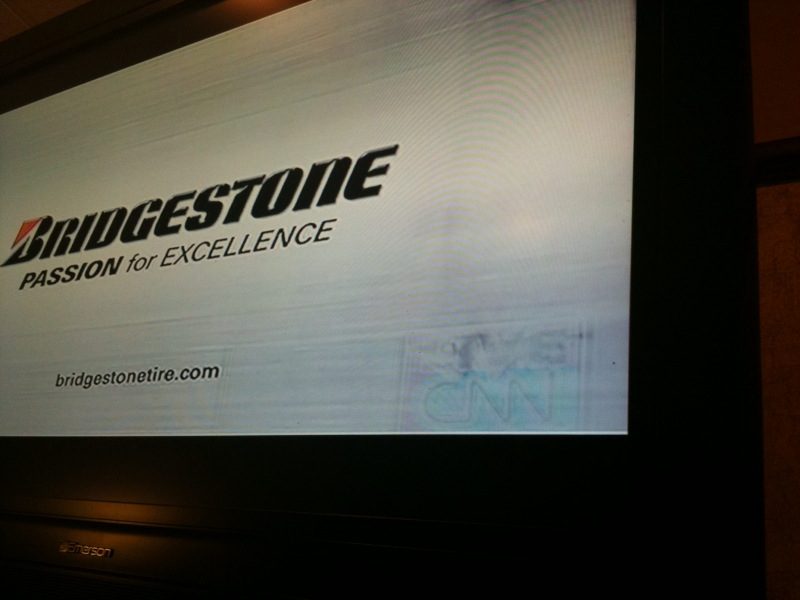
Every visible mark in these tests came from something that never moves: the Windows taskbar, the split between two side-by-side windows, and in RTINGS' test the CNN news banner. At 24 months, Monitors Unboxed saw the beginnings of individual taskbar icons, "just visible against some backgrounds". Games with fixed HUDs that you play for hours every day carry the same kind of risk.
4. "Turning the brightness down helps." True
RTINGS: "Users with static-heavy SDR workloads can lower the brightness setting to reduce cumulative stress while still retaining more usable brightness than earlier OLED generations offered." Its own TVs were tested at maximum SDR brightness, which is part of why they burned in.
5. "Burn-in shows up as dimming and color shift." Barely
Measured, yes; visible, hardly. Full-screen brightness on the Monitors Unboxed panel stayed at 243 nits for 18 months and fell to 238 nits (2%) by 21 to 24 months. The green subpixels wore the most, moving the color temperature from 6,441 K to 6,341 K at 18 months and back to 6,386 K at 24, a drift PC Gamer calls "unlikely to be subjectively noticeable".
6. "The warranty will cover it." Check the model
In early 2024, ASUS updated its warranty to cover burn-in (first 2, then 3 years), MSI moved to 3 years, and Gigabyte followed with 3 years for its QD-OLED line, HotHardware reported. That is a strong signal of the makers' confidence, but terms are set per model and region. Read the written warranty for the exact model before you buy.
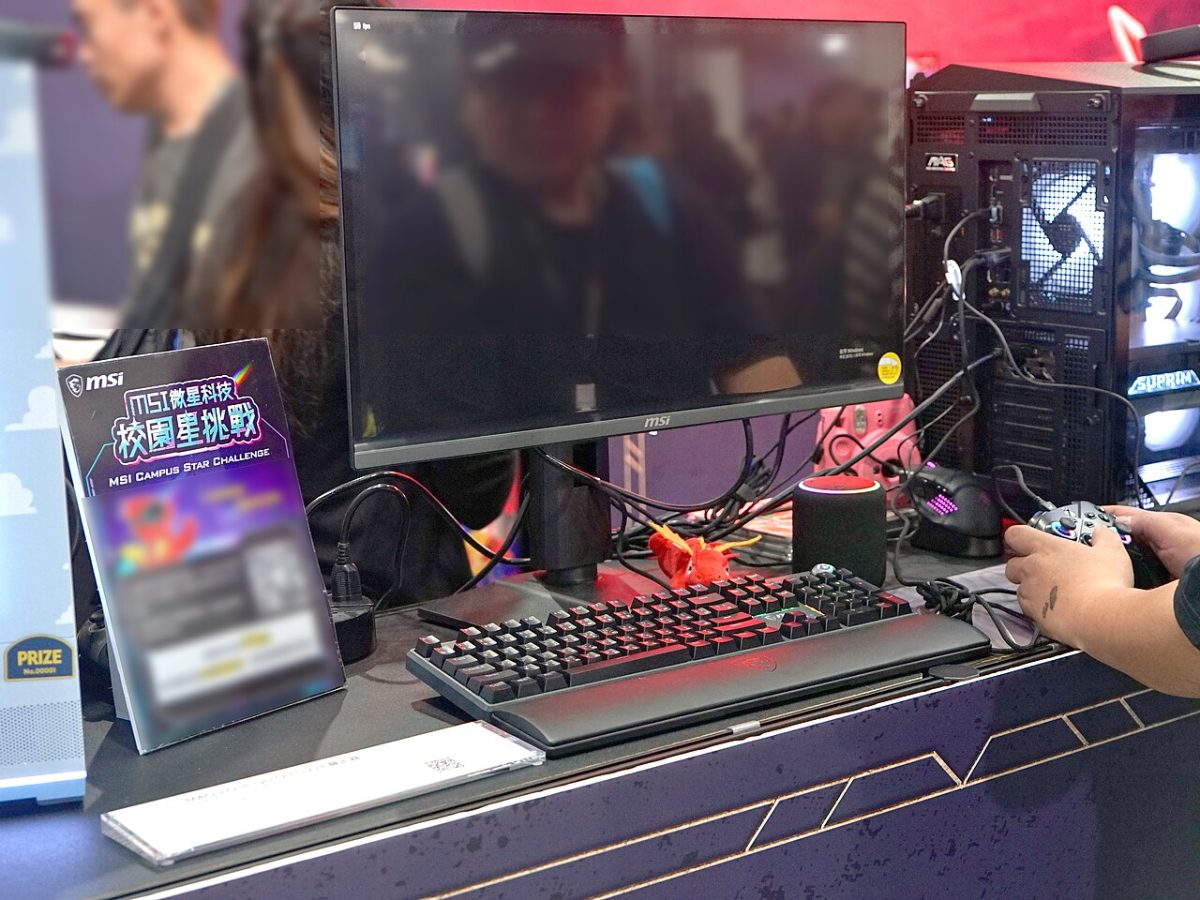

The two long-term tests behind these answers
Both are deliberately harsh. PC Gamer works out that RTINGS' full 18,000-hour run equals "10 years of watching nothing but CNN for five hours a day"; Monitors Unboxed presents its own schedule as a worst case.
| Test | What was on screen | Hours | What they found |
|---|---|---|---|
| RTINGS accelerated longevity test2017–2023 OLED TVs | CNN with its static banner, maximum SDR brightness | 10,500 | Banner burn-in visible on the newer models too; no consistent improvement over the 2017 LG C7. |
| Monitors UnboxedMSI MPG 321URX, 32" 4K QD-OLED | Static desktop apps, ~60 h a week, light mode, 200 nits | 6,000+ | Faint taskbar and center-line marks; 2% lower brightness; small color drift. |

How to prevent OLED burn-in on a gaming monitor
- Let pixel refresh run. OLED monitors run compensation cycles when they go to standby. Do not unplug the monitor at the wall after each session; PC Gamer suggests the color drift reverting at 24 months "could be the pixel compensation cycles doing their thing".
- Hide what never moves. Auto-hide the Windows taskbar, use a dark theme, and switch off static overlays (fps counters, chat) when you don't need them.
- Set a short screen-off timer. Monitors Unboxed let its screen sleep only after two hours idle to stress it; a few minutes is kinder.
- Keep SDR brightness moderate. RTINGS' advice for static-heavy use.
- Buy the warranty, not the promise. Prefer a model with written burn-in coverage of 3 years.
If most of your screen time is spreadsheets and code, an IPS or Mini-LED monitor avoids the question. If it is games and video, OLED's contrast and motion clarity are worth the small risk; our resolution guide helps with the size.
FAQ
Is OLED burn-in still a problem in 2026?
It still happens, but slowly. RTINGS found 2020 to 2023 OLED TVs no more burn-in resistant than a 2017 model under its 10,500-hour CNN test, because newer panels run brighter. In Monitors Unboxed's worst-case test, a QD-OLED monitor showed faint taskbar marks after two years and 6,000 hours of mostly static work.
How long does it take for an OLED monitor to burn in?
Thousands of hours of the same static content. Monitors Unboxed saw its worst marks form in months 3 to 6 of 60-hour weeks of desktop work, then grow only slowly up to 24 months. Mixed gaming and video spread the wear, so it takes much longer.
Can you game on an OLED monitor without burn-in?
For most people, yes. RTINGS concludes that "for most mixed-content viewers, burn-in remains unlikely to become an issue". The risk is static elements kept on screen for hours every day: taskbars, HUDs, chat windows and news tickers.
Does OLED burn-in warranty cover it?
Several brands cover burn-in explicitly. In early 2024, ASUS and MSI moved to 3-year burn-in coverage for their OLED gaming monitors and Gigabyte followed for its QD-OLED models. Terms differ by model and region, so check the written warranty before you buy.
How do I prevent OLED burn-in?
Let the monitor run its pixel refresh cycles, auto-hide the Windows taskbar, use dark mode, set a short screen-off timer and keep brightness moderate. RTINGS notes that lowering brightness reduces cumulative stress for static-heavy use.
How we researched this
The findings are RTINGS' and Monitors Unboxed's, as reported by PC Gamer and Tom's Hardware; warranty changes as reported by HotHardware. The hours calculator is simple arithmetic; the risk labels are our interpretation of the tests.
First version. We will add newer test updates as they are published.
Where the figures come from
- OLED Burn-In Hasn't Improved Like We Expected, RTINGS.
- Tests show newer OLED TVs can still experience significant burn-in, PC Gamer, on RTINGS' results.
- After two years and over 6,000 hours, Monitors Unboxed's long-term OLED test shows increasing burn-in, PC Gamer.
- Reviewer records first drop in brightness after 21 months of burning in his QD-OLED, Tom's Hardware.
- Gigabyte joins the OLED gaming monitor warranty war, HotHardware (ASUS, MSI and Gigabyte burn-in coverage).