DLSS vs FSR vs XeSS: Which Upscaler Should You Use in 2026?
The short version: use the best upscaler your graphics card can run, and start in Quality mode. In a blind test of six games, 48.2% of 6,747 votes picked DLSS 4.5 as the best image, ahead of native rendering and FSR 4. Below: what your card supports, what each mode really renders, and where the names mislead.
Votes for DLSS 4.5, blind test
48.2%
Votes for FSR 4
15.0%
Pixels rendered in Quality mode
44%
Games where FSR 4 beat native
0/ 6
Which upscaler can your graphics card use?
Pick your card family. The answer lists the best upscaler it can run today and what to fall back to.
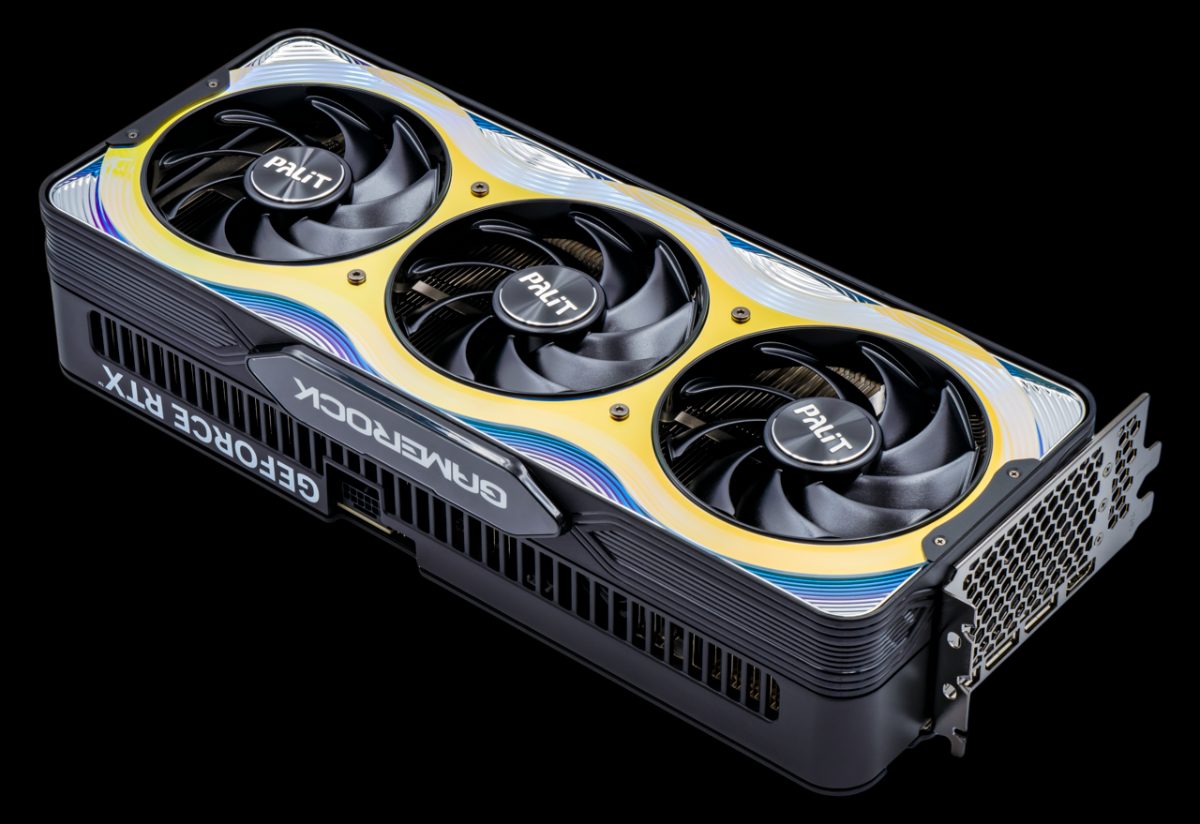
Use DLSS
DLSS 4.5 Super Resolution, plus Multi Frame Generation up to 6X.
RTX 50 cards get every DLSS feature, including Dynamic Multi Frame Generation, which Nvidia added in a March 2026 Nvidia App beta. Start with DLSS Quality; at 4K, Performance mode still renders a full 1080p frame.
Is DLSS better than FSR? What a blind test of six games found
German outlet ComputerBase showed readers identical gameplay clips without labels and asked which looked best: native rendering with TAA, DLSS 4.5 or FSR 4 (Redstone). All ran at 4K, with both upscalers in Quality mode. Tom's Hardware reported the totals on Feb 18, 2026: DLSS 4.5 won all six games, and FSR 4 did not beat native rendering in any of them.
| Game | DLSS 4.5 | Native (TAA) | FSR 4 | Can't tell |
|---|---|---|---|---|
| Satisfactory | 60.9% | 15.1% | 12.4% | 11.6% |
| Horizon Forbidden West | 56.3% | 19.4% | 11.7% | 12.6% |
| Anno 117 | 50.1% | 22.8% | 16.5% | 10.7% |
| Arc Raiders | 47.4% | 27.3% | 13.8% | 11.5% |
| The Last of Us Part II | 40.9% | 25.9% | 25.3% | 7.8% |
| Cyberpunk 2077 | 34.4% | 32.4% | 10.6% | 22.6% |
| All six games | 48.2% | 24.0% | 15.0% | 12.8% |
What do Quality, Balanced and Performance actually render?
Each mode renders a smaller frame and rebuilds it to your screen's resolution. The filled area below is the rendered frame drawn to scale inside a 1440p output. The names do not line up across brands: XeSS Quality renders the same frame as FSR Balanced.
| Mode | Factor | At 1080p | At 1440p | At 4K |
|---|---|---|---|---|
| XeSS Ultra Quality Plus | 1.3x | 1477 × 831 | 1969 × 1108 | 2954 × 1662 |
| DLSS / FSR Quality, XeSS Ultra Quality | 1.5x | 1280 × 720 | 1707 × 960 | 2560 × 1440 |
| DLSS Balanced | 1.72x | 1114 × 626 | 1485 × 835 | 2227 × 1253 |
| FSR Balanced, XeSS Quality | 1.7x | 1129 × 635 | 1506 × 847 | 2259 × 1271 |
| DLSS / FSR Performance, XeSS Balanced | 2.0x | 960 × 540 | 1280 × 720 | 1920 × 1080 |
| XeSS Performance | 2.3x | 835 × 470 | 1113 × 626 | 1670 × 939 |
| Ultra Performance (all three) | 3.0x | 640 × 360 | 853 × 480 | 1280 × 720 |
Factors checked Nov 7, 2026. Output resolution ÷ factor = render resolution, rounded.
Upscaling calculator: what does your setting render?
Pick your screen, upscaler and mode. The box shows the rendered area to scale.
Plenty of detail to work with
DLSS Quality renders 1707 × 960 and upscales to 2560 × 1440.
That is 44% of the output pixels. The default we suggest at 1440p and 4K.
Same render resolution: FSR Quality, XeSS Ultra Quality.
Which upscaling mode should you start with?
- 4K screen: Quality if your card manages it, Performance if not. At 4K, Performance still renders a full 1920 × 1080 frame, which is why it holds up.
- 1440p screen: Quality (960p internally). Drop to Balanced only if you are a few fps short.
- 1080p screen: try native first. Quality renders 720p, and Tom's Hardware notes that "any 1080p monitor puts a hard cap on upscaling image quality". If you need the frames, use Quality and nothing lower.
- Plenty of performance already? Use DLAA or Native AA: native resolution with the upscaler's anti-aliasing instead of the game's TAA.
Upscaling is not frame generation
Upscaling renders fewer pixels per frame, so the game really runs faster and responds faster. Frame generation inserts extra frames between real ones: smoother motion, but not lower input lag. They are separate switches in most games. Our frame generation guide covers when the second one is worth it.

FAQ
Is DLSS better than FSR in 2026?
In image quality, yes. In ComputerBase's blind test of six games at 4K with Quality mode, 48.2% of 6,747 votes picked DLSS 4.5 as the best image, against 15.0% for FSR 4 and 24.0% for native rendering. FSR 4 is far better than FSR 3, but it did not win a single game.
Can I use DLSS on an AMD graphics card?
No. DLSS runs only on GeForce RTX cards. On a Radeon, use FSR 4 if your card supports it (RX 9000, and RX 7000 since AMD's June 2026 driver), otherwise FSR 3.1 or XeSS.
What resolution does DLSS Quality render at?
DLSS Quality renders at two thirds of the output resolution on each axis: 1280 × 720 for 1080p, 1707 × 960 for 1440p and 2560 × 1440 for 4K. FSR Quality uses the same 1.5x factor.
Is XeSS Quality the same as DLSS Quality?
No. Since XeSS 1.3, XeSS Quality uses a 1.7x factor, the same as FSR Balanced. XeSS Ultra Quality (1.5x) matches DLSS and FSR Quality.
Should I use upscaling at 1080p?
Only if you need the frames. At 1080p, Quality mode renders 720p, so there is less detail to rebuild from. Tom's Hardware notes that a 1080p monitor puts a hard cap on upscaling image quality; at 1440p and 4K upscaling looks much better.
How we researched this
Scale factors come from AMD's and Intel's documentation and Nvidia's programming guide (via Wikipedia); support per card from AMD, Intel, Nvidia and the outlets listed below. Image-quality results are ComputerBase's blind test as reported by Tom's Hardware. We did not run our own comparison.
First version. We will update it when FSR 4.1 reaches RX 6000 cards (promised for early 2027).
Where the figures come from
- Nearly half of PC gamers prefer DLSS 4.5 over AMD's FSR and even native rendering, Tom's Hardware, reporting ComputerBase's blind test.
- FidelityFX Super Resolution: quality modes and scaling factors, AMD GPUOpen.
- Intel XeSS 1.3: new profiles and scaling factors, Intel; XeSS 3 SDK, Intel on GitHub (GPU support).
- Deep Learning Super Sampling, Wikipedia: DLSS quality presets and scale factors, RTX requirement.
- AMD brings FSR 4.1 to Radeon RX 7000-series card owners, PC Gamer.
- AMD announce FSR Upscaling 4.1 officially coming to RDNA 3 and RDNA 2, GamingOnLinux (AMD's statement, RX 6000 in early 2027).
- Hands-on with DLSS 4.5 Dynamic Multi Frame Generation, Tom's Hardware (DLSS 4.5 support by RTX generation, 1080p caveat).